
Meet Ora
Your co-builder — and your teacher.
Ora lives inside the Studio. Students don't get one answer and move on. They keep going — changing how things look, adding what's missing, reading the code, fixing what's broken, and understanding why it all works.
Five ways students use Ora — often in the same afternoon.
Inside the Studio
Not a separate chat window
Their Creation
Not a textbook example
Their year group
The level explanations are pitched at
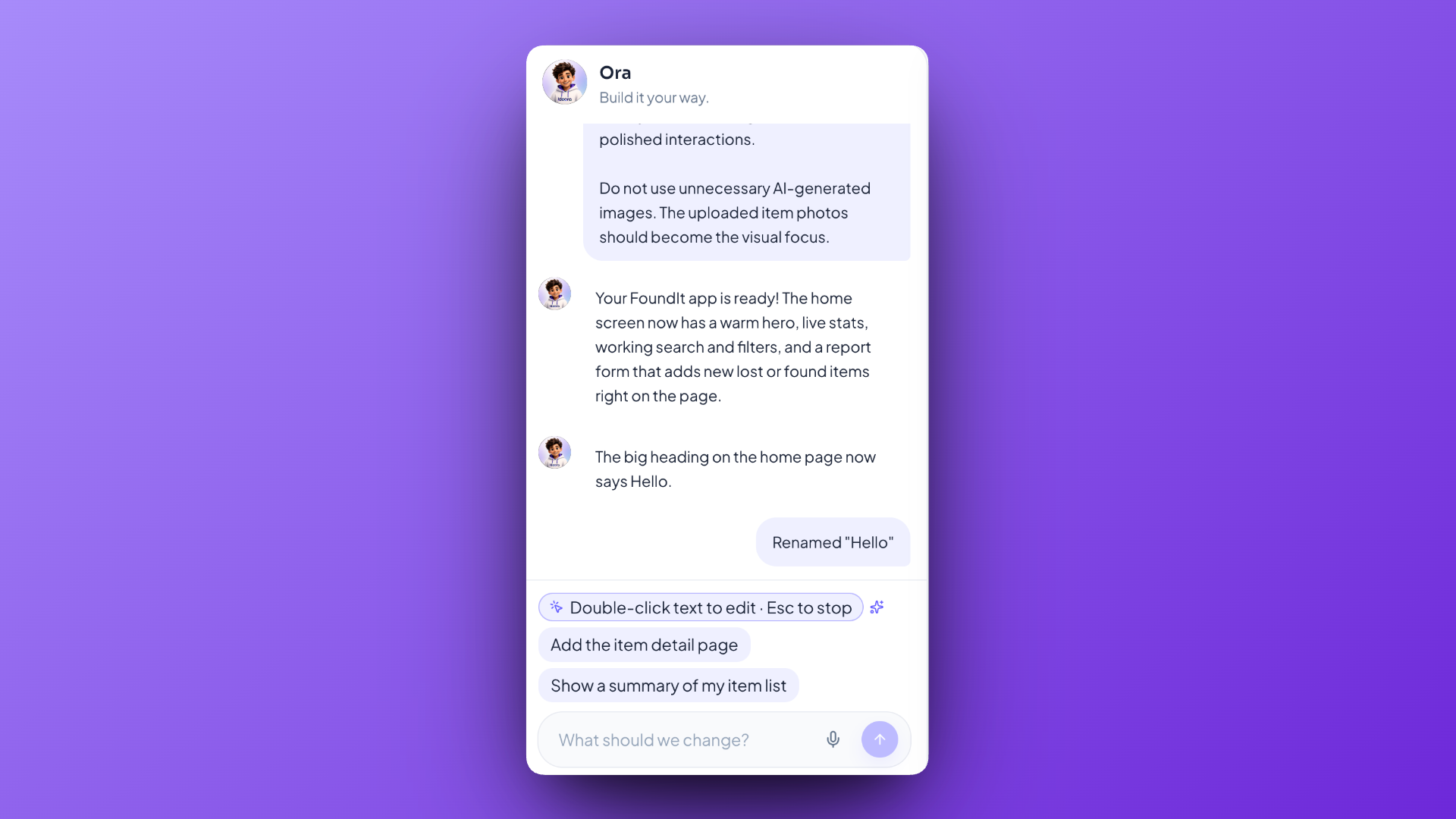
Five things a student asks Ora, often in one afternoon
The order matters. Nobody starts by asking what a line of code means — they get there because they wanted something changed and became curious on the way.
Ora, in five modes
Visual changes
“Make the buttons bigger and use our school colours.”
Layout, colours and spacing in ordinary words. This is where almost every student starts, because it is the difference they can see and the one they have an opinion about. No CSS, no inspector, no vocabulary needed first.
Pointing beats describing
Some things are hard to name and easy to point at. Students can select something directly inside their running Creation and change it without explaining where it is — which removes the step where a student gives up because they could not describe the thing they meant.
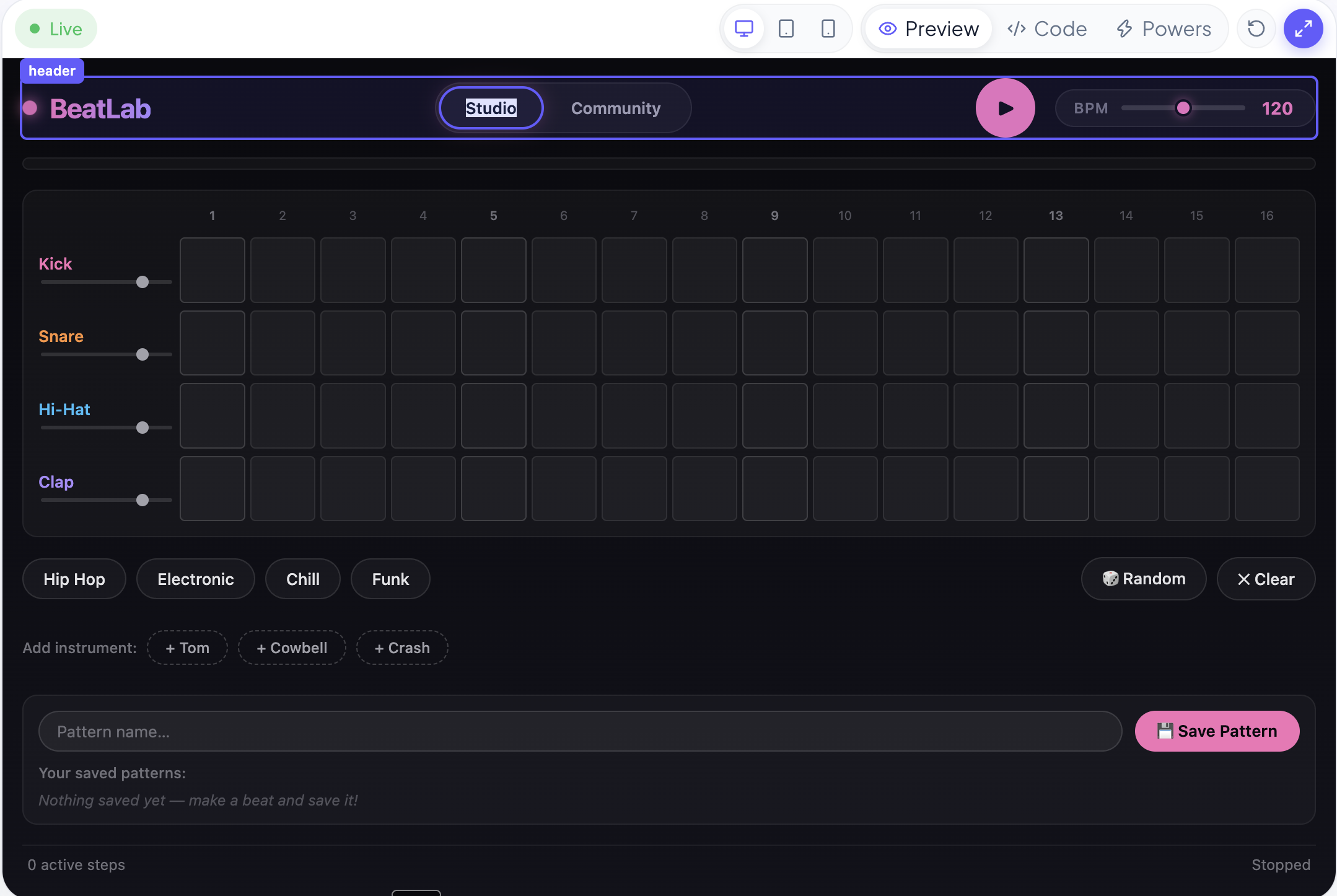
The important part isn't the first answer. It's that the student keeps going.
Ora, and the AI students already use
The distinction that matters to a teacher, stated plainly.
| A general chatbot | Ora | |
|---|---|---|
| What it knows about | Everything, vaguely | The student's own Creation, specifically |
| What it produces | Text to read | A change you can see running |
| What happens next | The student copies or moves on | The student decides what is still wrong |
| Off-topic questions | Answered | Declined, with a redirect to the project |
| Who holds the AI account | Whoever signed up | Ideora — never the student |
Why Ora refuses things it could easily answer
Ask Ora about homework, general knowledge or anything outside the project and it declines in one friendly sentence, then points back at something specific they could build. That is deliberate. A lesson where thirty students have a general-purpose chatbot open is a different lesson, and not the one a school agreed to run.
What students actually type
The kinds of requests Ora is built around — short, specific, and about something the student can see.
“Make the buttons bigger and use our school colours.”
The kinds of things students say — illustrative, not quoted from a real child.
Questions about Ora
No. Ora works inside the Studio on the student's own Creation — making changes, highlighting the exact lines that matter, and fixing what's broken. It is a co-builder that explains itself, not a conversation in a separate window.
Ora builds what a student describes. Deciding what to build, what is wrong with it and what should change next is the student's job — and that is the part worth learning and the part a teacher can see them doing.
Yes, always. The code is never hidden. Students can open it, read it, edit it, and ask Ora what any part of it does.
It is pitched at the student's year group, and it avoids technical vocabulary unless the word is genuinely useful — in which case it says the word and explains it in the same breath.
No. It stays on the student's project, the code in it, and how making software works. Anything else gets one friendly sentence declining and a suggestion of something they could ask about their Creation instead.
It does not counsel them and does not brush it off. It tells them kindly to speak to a trusted adult — a parent, their class teacher, or the school counsellor — today.
Watch Ora build and explain.
The clearest five minutes of any Ideora demo.