Study tools
Revision built around what you're actually studying.
A student who builds their own revision tool has to decide what matters, in what order, and how they'll know it worked. That decision is the revision.
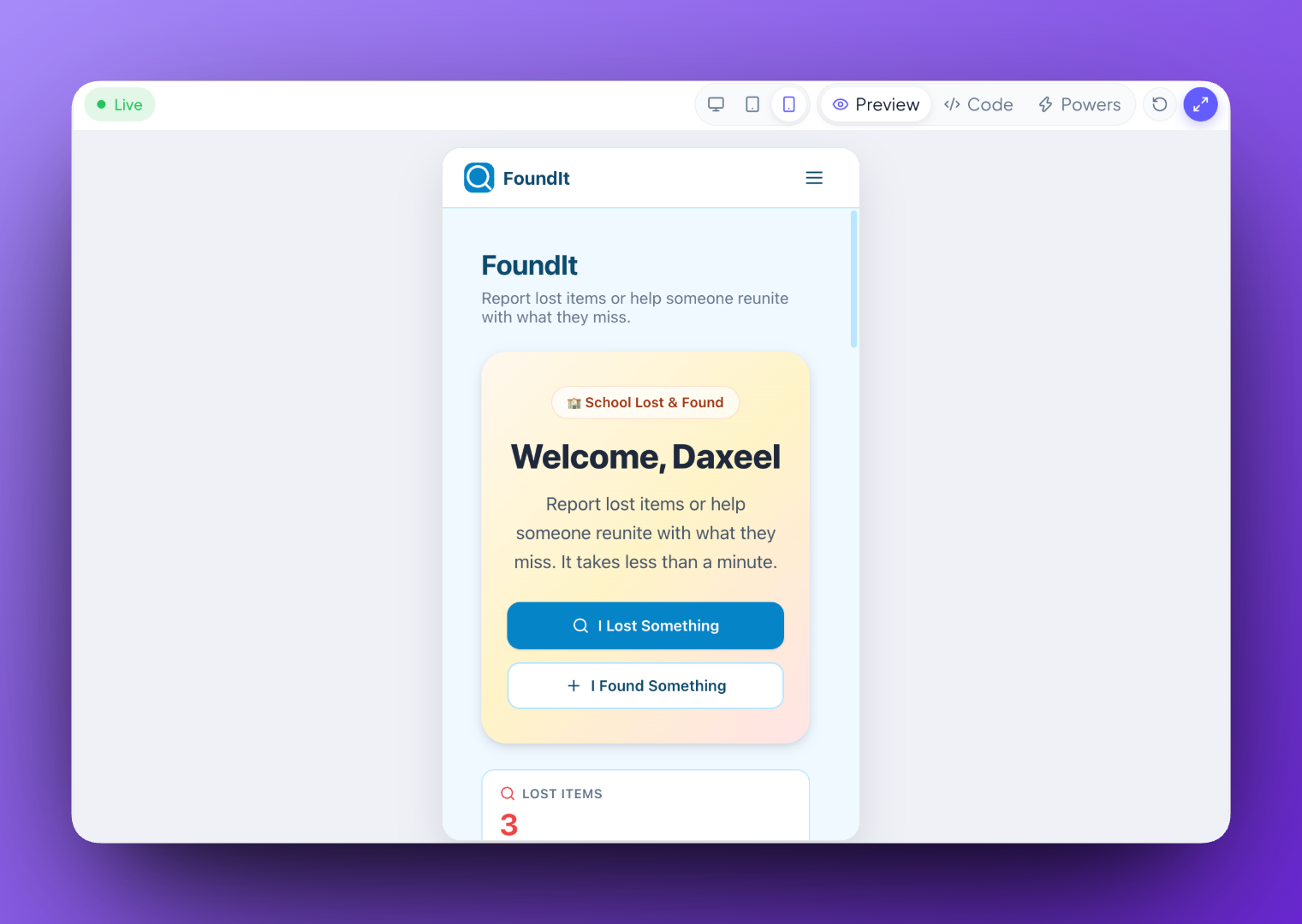
Ideas students could start from
Examples of what is possible, not a list of what has been made.
- An exam revision helper for one subject at a time
- Practice drills that repeat the questions you got wrong
- A study planner that works backwards from an exam date
- A habit tracker with a streak that resets if you miss a day
- A formula reference you can search
- A mood check-in journal for the run-up to exams
It remembers, so it's usable tomorrow
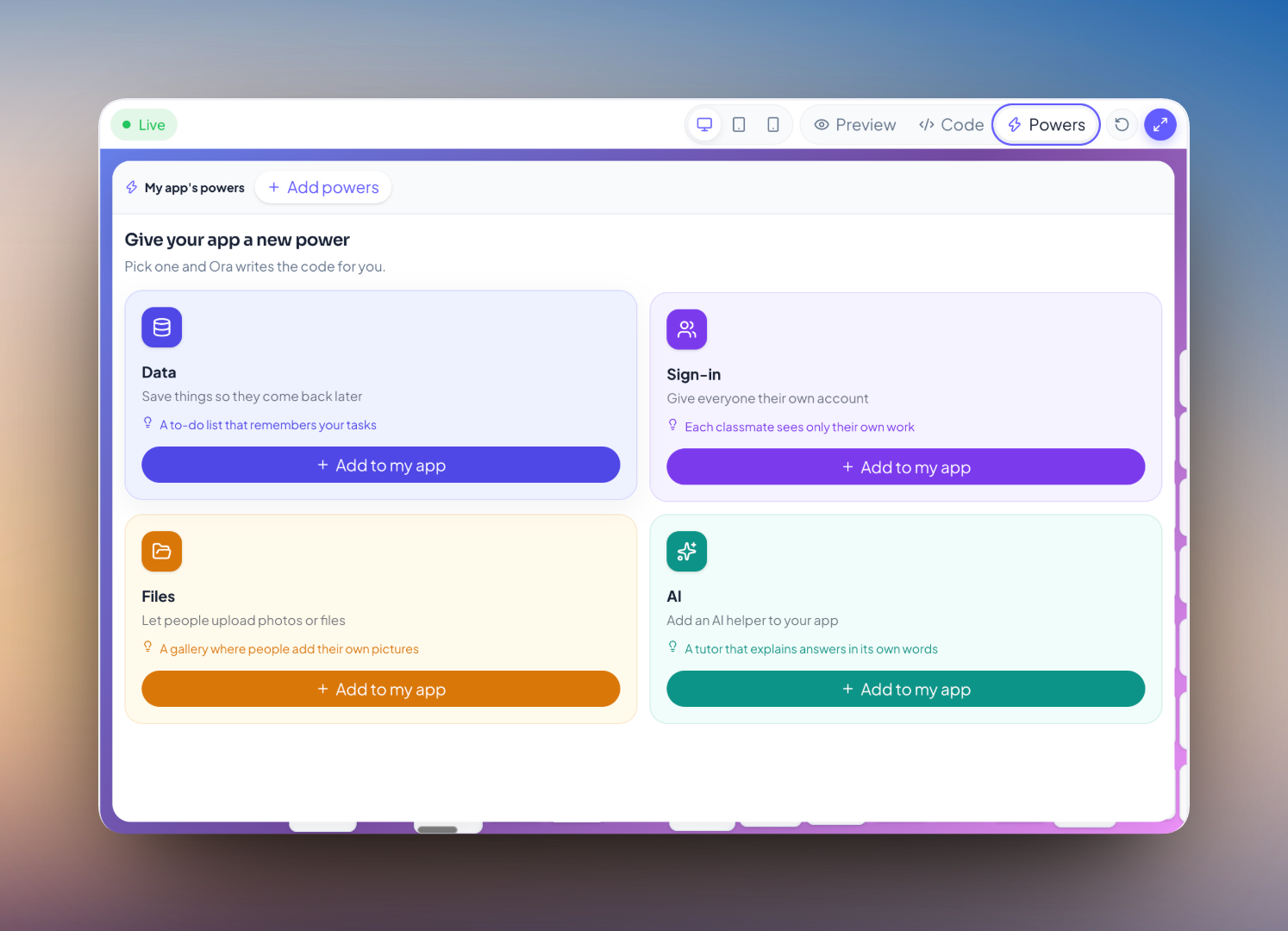
A study tool that forgets everything when you close it is a toy. Students say “it should remember my entries even after I close it” and their Creation saves them — no database conversation required.
What the student is actually learning
- That deciding what to include means deciding what matters.
- That information has to be saved somewhere to still be there tomorrow.
- That a tool built for yourself gets used, and one built for marks does not.
Questions about study tools
For revising, probably. For learning, no — the value here is in the deciding. A student who has chosen what goes in, in what order, and how they will know it worked has already done the revision.
Yes. Information a Creation saves persists between sessions and devices, which is what separates a study tool from a toy.
Yes. Creations adapt to the screen, and a Published one opens from a link with no install.
With the sign-in Power, everyone gets their own space inside the same Creation — so a shared tool does not mean shared answers.
Bring Ideora to your school.
A short demo, on a real Creation, from first sentence to Published link.