How it works
From a sentence to a working app.
Start with ordinary language. Keep going until the idea becomes yours.
Five stages. The first takes a sentence; the other four are where the learning happens.
Stage 1
A sentence in ordinary language
Stage 3
Software that actually runs
Stage 5
A link that opens on a phone
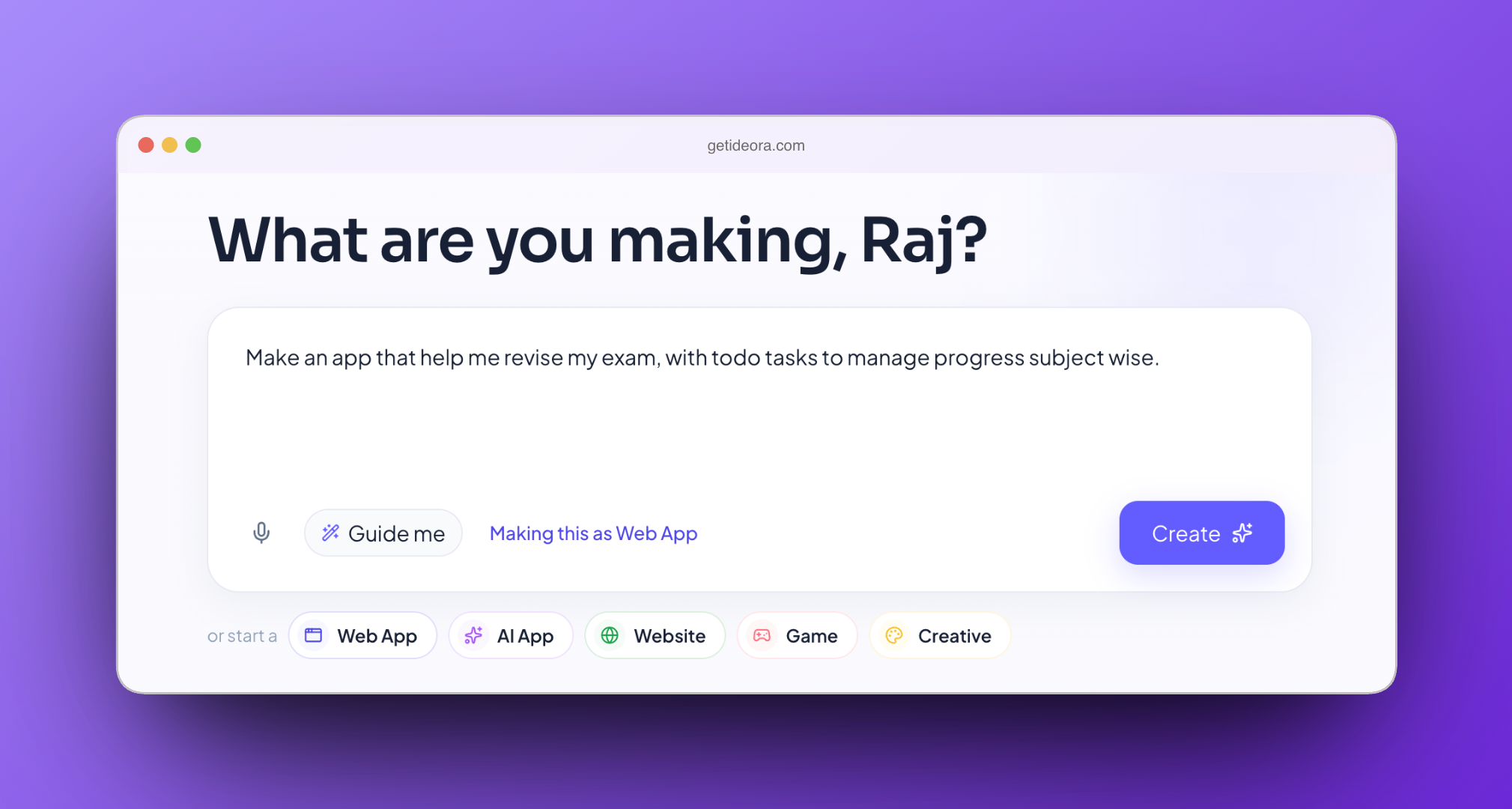
Start with an idea, not syntax
A student types what they want in ordinary language. No coding background required, no blocks to drag, and no template to pick from a gallery. The sentence can be rough — most first sentences are — because the next stage exists to sharpen it.
- “Make an app that helps me revise for exams.”
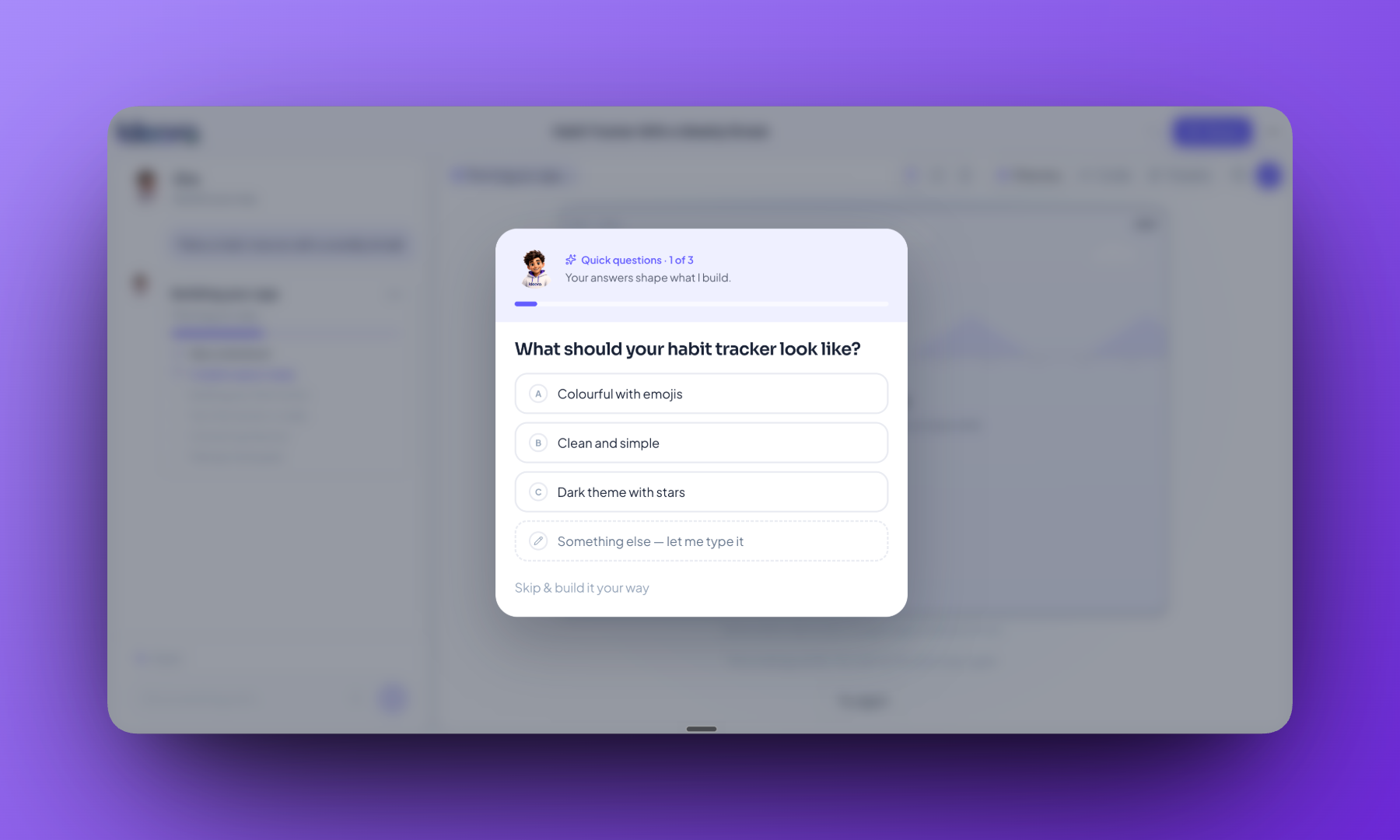
Ideora asks before it builds
When an idea is vague, Ideora asks two or three quick questions — who is it for, what should it do — so the first version is closer to what the student actually meant. This is also, quietly, the first thing it teaches: being specific gets better results. A student who learns that here applies it for the rest of their life with every system they ever instruct.
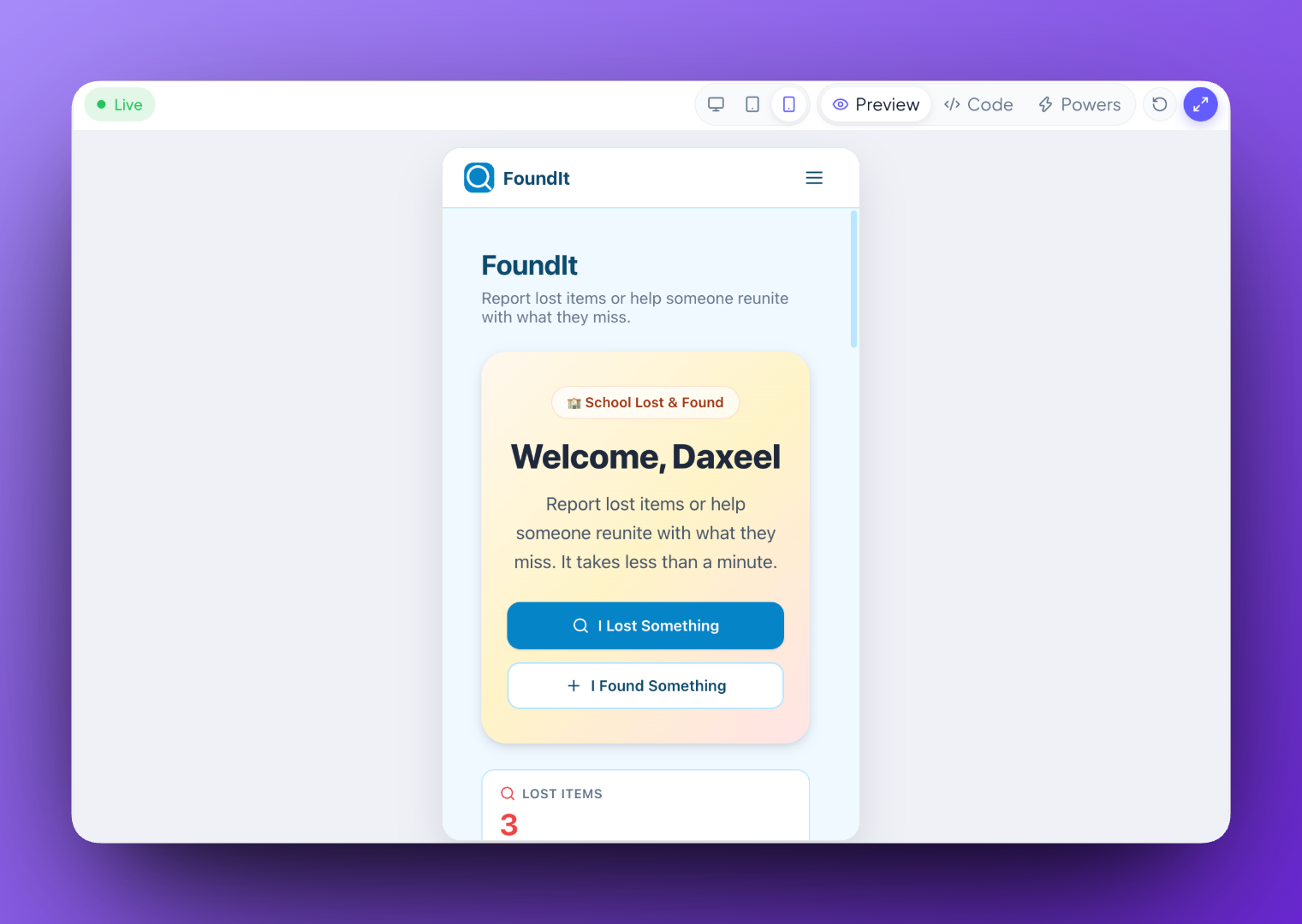
Not a picture of an app. An app.
It runs. Buttons work, information can be saved, and the Creation adapts across desktop, tablet and phone. Students can watch the same Creation reflow at each size — which is usually the moment the room goes quiet, because a thing that responds is categorically different from a picture of one.
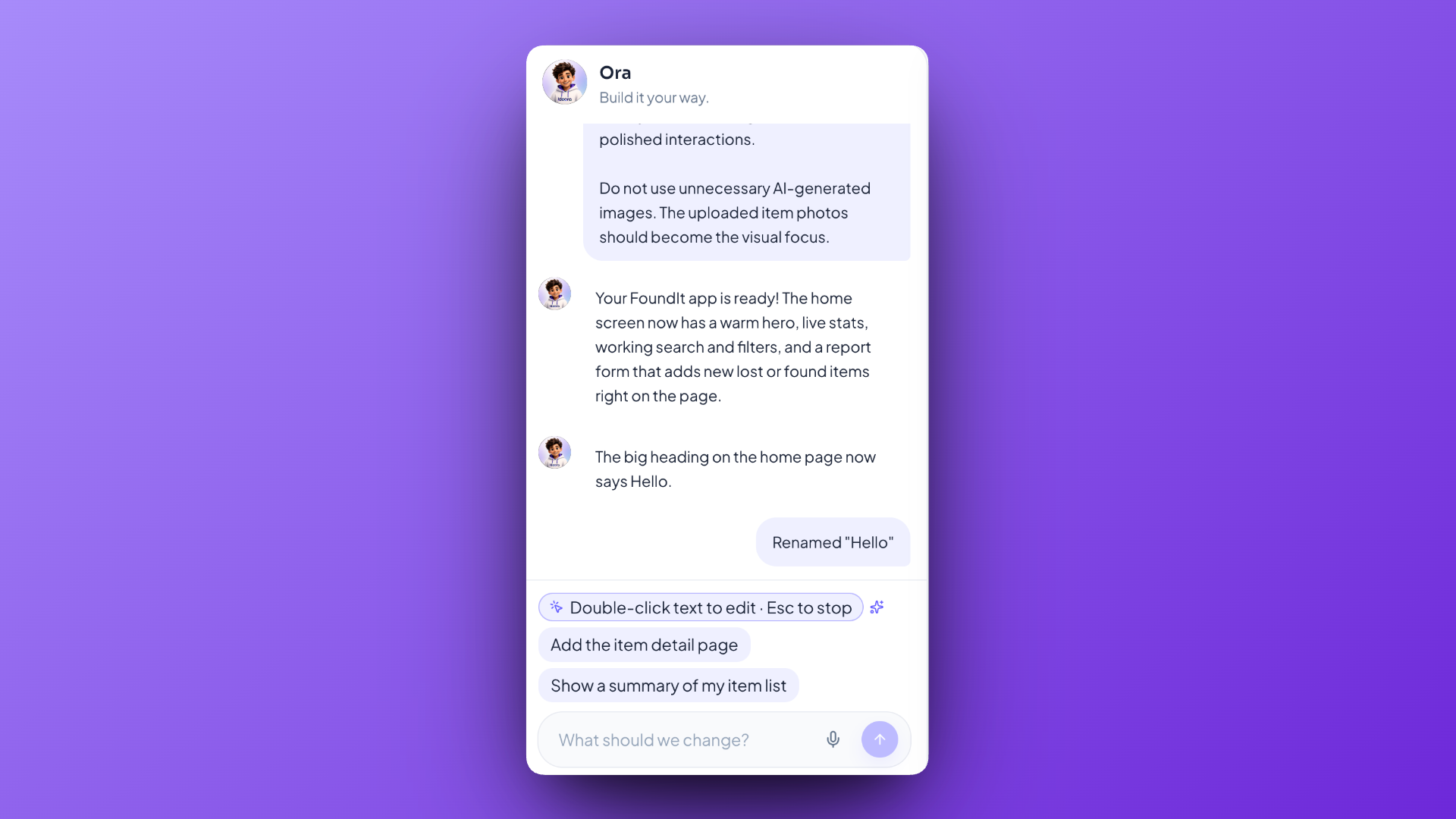
The first version is only the beginning
This is where the learning actually happens, and it is worth being blunt about why. The first version is rarely what the student meant. Everything after it is them deciding what is wrong and changing it — by asking Ora, by pointing directly at something in the running Creation, or by opening the code themselves.
- “Make the buttons bigger.”
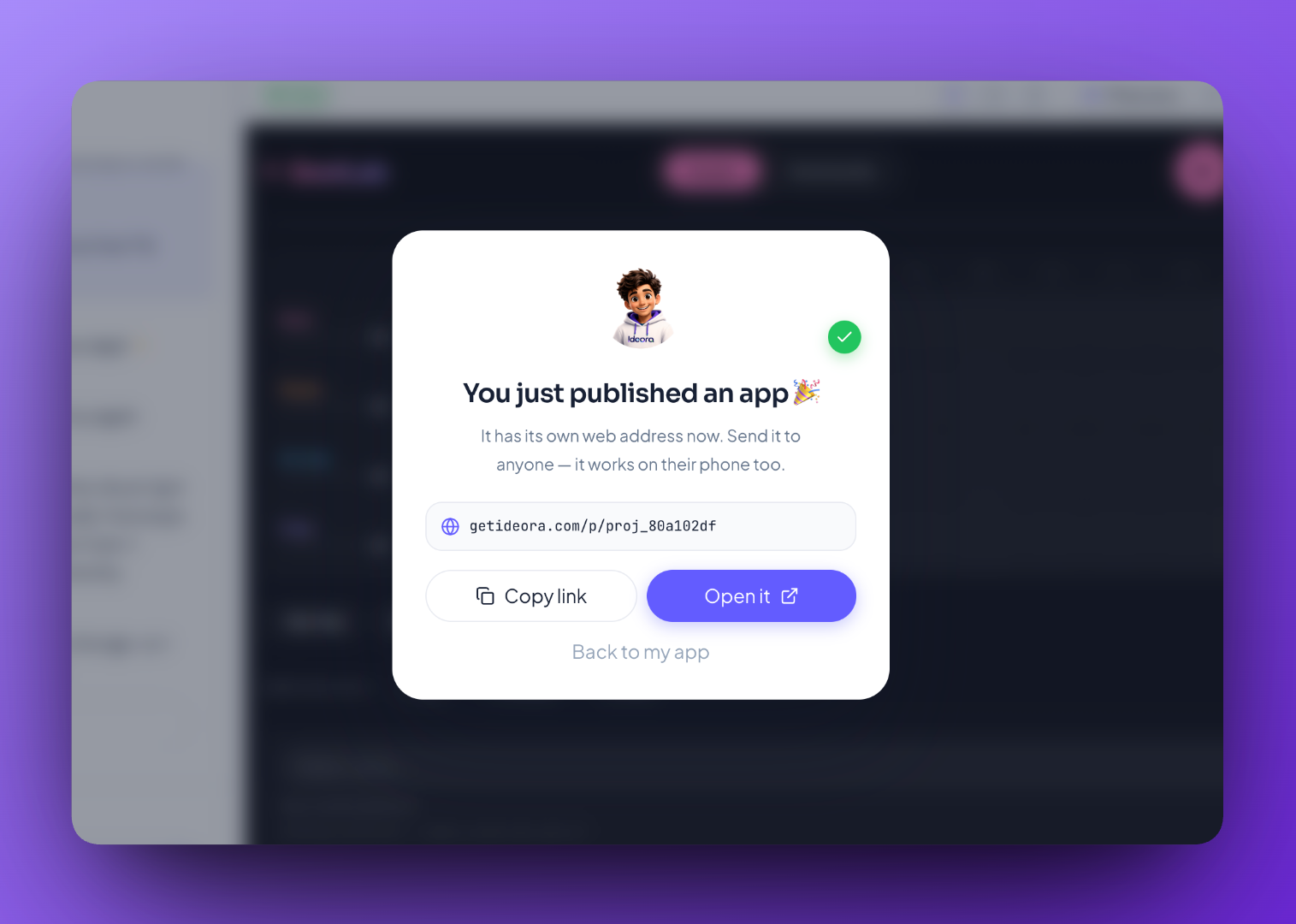
Make something today. Share it today.
One button Publishes the Creation to a real web address that can be opened on a phone without an app-store install. Same day. That is what turns an exercise into something a student talks about at home.
What is actually happening underneath
Students do not need any of these words to build. They are here because people search for them, and because a teacher explaining the lesson to a colleague may want them.
- Natural-language programming
- Describing what software should do in ordinary words, and having working code produced from that description. The student's instruction is the input rather than the syntax.
- “I just said what I wanted and it made it.”
- Iteration
- Improving something in rounds rather than getting it right first time. Every round is a decision about what is wrong and what should change — which is why iteration, not generation, is the part worth assessing.
- “It wasn't right yet so I changed it.”
- Version history
- A record of every earlier state of a Creation, so any of them can be returned to. It is what makes experimenting free of consequence, and therefore what makes experimenting happen at all.
- “I can go back to when it worked.”
- Responsive design
- Software that rearranges itself to fit the screen it is on, so the same Creation is usable on a laptop and a phone without being rebuilt twice.
- “It still looks right on my phone.”
- Publishing
- Putting a Creation at a real web address so anyone with the link can open it, with no installation at their end. Always a deliberate action by the student.
- “I sent the link to my family.”
- Sandbox
- A boundary a Creation runs inside, with its own data and no access to anything outside it. It is what makes it safe to let students build and break things freely.
- “My app is its own thing.”
Why the second stage matters more than it looks
Being asked “who is this for?” before anything is built is the first genuinely transferable thing Ideora teaches. It is the same skill as writing a clear brief, a clear question, or a clear instruction to any system — and students notice quickly that vague inputs produce vague results, because they can see it happen.
Common questions
A few minutes. Students can watch it being built rather than staring at a loading bar.
That is the normal case, and it is the useful part. Students change it by describing what should be different, pointing straight at it in the running Creation, or editing the code.
No. Everything can be done in ordinary language. The code is available for students who become curious, and Ora explains it.
Standard web code — the same kind that runs real websites and applications. It is not a teaching language that has to be unlearned later.
Yes. Creations persist, and every version is kept, so a student can return to something they started weeks earlier and carry on.
They find out quickly and specifically, which is a useful lesson in itself. Ora explains what it could not do and usually suggests a nearby thing it can.
See it happen on a real Creation.
A short demo, from first sentence to Published link.