Inside the code
The code is still there.
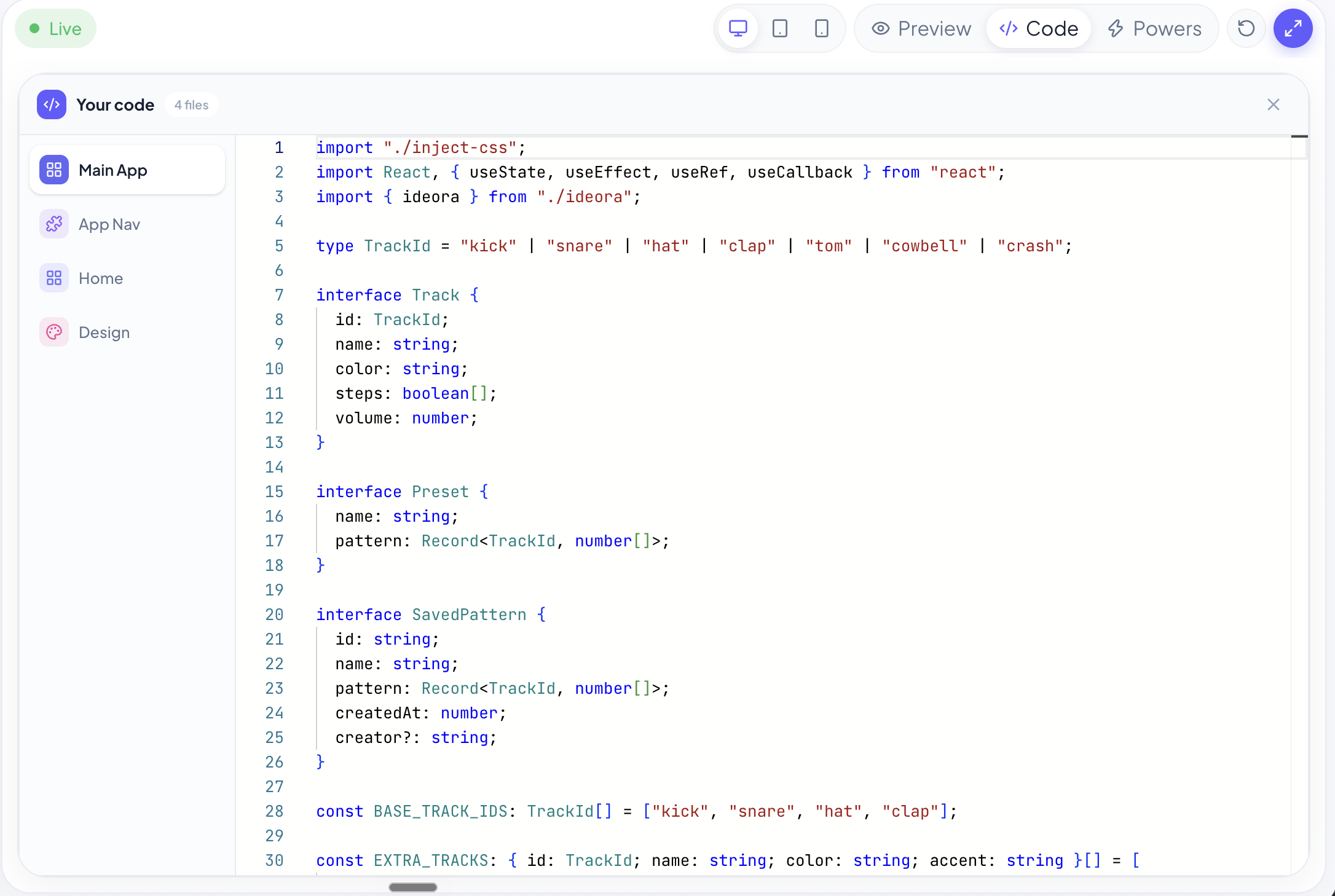
Ideora doesn't hide code behind AI. Students who want to go deeper can open it, read it and change it themselves.
This is the answer to the sharpest objection anyone raises: isn't the AI just doing it for them?
Never hidden
The code is always available
Three ways out
When a student breaks something
Every version kept
Nothing is permanent
And yes — they can break it
Editing is deliberately supported rather than hidden, because it is where a lot of the understanding happens. When something stops working, Ideora says so in plain language — “Line 24 — something isn't closed” — and offers three ways out. None of them require an adult.
- Undo my change.
- Back to the last working version.
- Ask Ora to fix it.
Nobody gets stuck.
That is a design promise, not a happy accident.
Why breaking things is the feature
Most school computing is arranged so students cannot break anything, which also means they cannot find out how anything works. Reversing that only works if getting unstuck is guaranteed — which is what version history and the three recovery routes are for. Tell students this in the first lesson. It changes how they behave for the rest of the year.
Every version is kept
- Students can return to an earlier version whenever they need to.
- Nothing a student does to their own Creation is permanent.
- Experimenting costs nothing, which is the only way experimenting happens.
Point at it instead of describing it
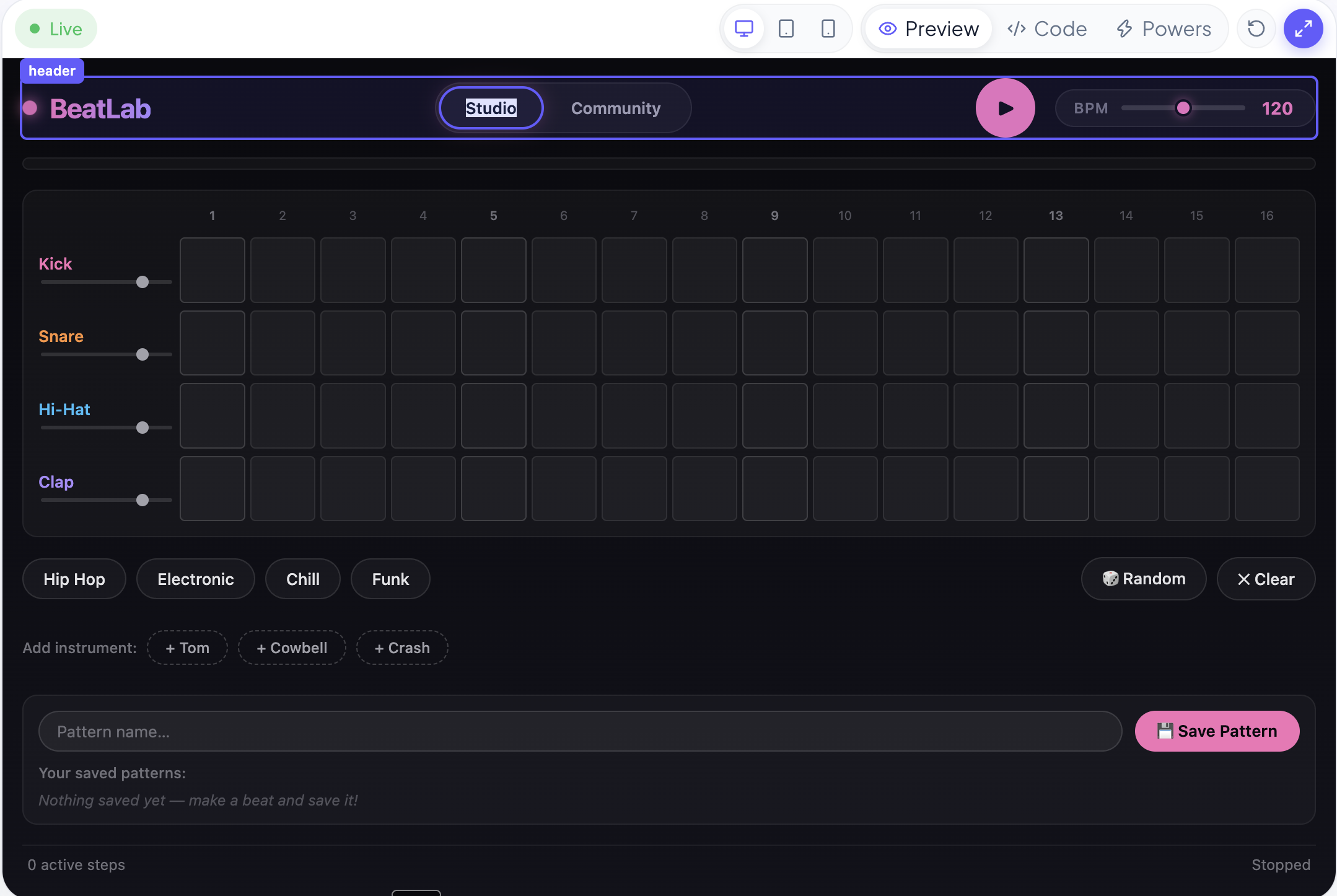
Students can select something directly inside their running Creation and change it without having to explain where it is. Experimentation should feel natural — even the first time a student opens Ideora, and especially for a student who does not yet have the words for the thing they want changed.
What students meet when they open the code
None of this is taught up front. It arrives when a student becomes curious, and Ora explains it about their own Creation rather than in the abstract.
- Function
- A named piece of code that does one job, which the rest of the program can ask for by name. Usually the first structure a student recognises, because the name tends to say what it does.
- “That's the bit that does the countdown.”
- State
- What a program currently knows — the score, the level, whether the game has started. Most bugs students hit are about state changing when it should not, or not changing when it should.
- “It thinks the game hasn't started yet.”
- Component
- A reusable piece of an interface, like a card or a button, defined once and used in several places. Changing it in one place changes it everywhere it appears.
- “All the cards look the same because they are the same.”
- Syntax error
- Code that cannot run because something is written wrongly — a bracket unclosed, a quote unmatched. The commonest thing a student breaks, and the easiest to recover from.
- “Line 24 — something isn't closed.”
- Debugging
- Working out why something does not do what you expected. It is the actual skill in programming, and it only develops in someone who has been allowed to break things.
- “Why does it do that when I click twice?”
- Version history
- Every earlier state of a Creation, kept, so any of them can be returned to. It is what makes an ambitious change a reasonable thing to attempt.
- “I can go back to when it worked.”
Questions about the code
It is optional. Nothing requires a student to open the code. It is there for the moment curiosity arrives, and Ora highlights the exact lines that matter rather than leaving them to search.
Every version is kept, so they can return to the last one that worked. They can also undo the change or ask Ora to fix it and explain what went wrong.
Standard web code — the same kind that runs real websites and apps. It is not a teaching language that has to be unlearned later.
No. Plenty never open the editor, and their Creations work perfectly. The code is there for the students who want it, at the moment they want it.
No. Each Creation is isolated, with its own code and its own data. Breaking your own Creation affects only your own Creation.
The Published version is what visitors have a link to. Editing in the Studio does not silently alter it.
See a student break something and fix it.
It is the most reassuring two minutes of the demo.