For teachers
Get the class creating in the first ten minutes.
No accounts to set up, no assignment system to learn, and no coding background required — from you or from them.
Nothing to prepare
Missions are already in the product
40 minutes
Idea to Published link, comfortably
30 outcomes
From one Mission, in one class
One Mission. Thirty different answers.
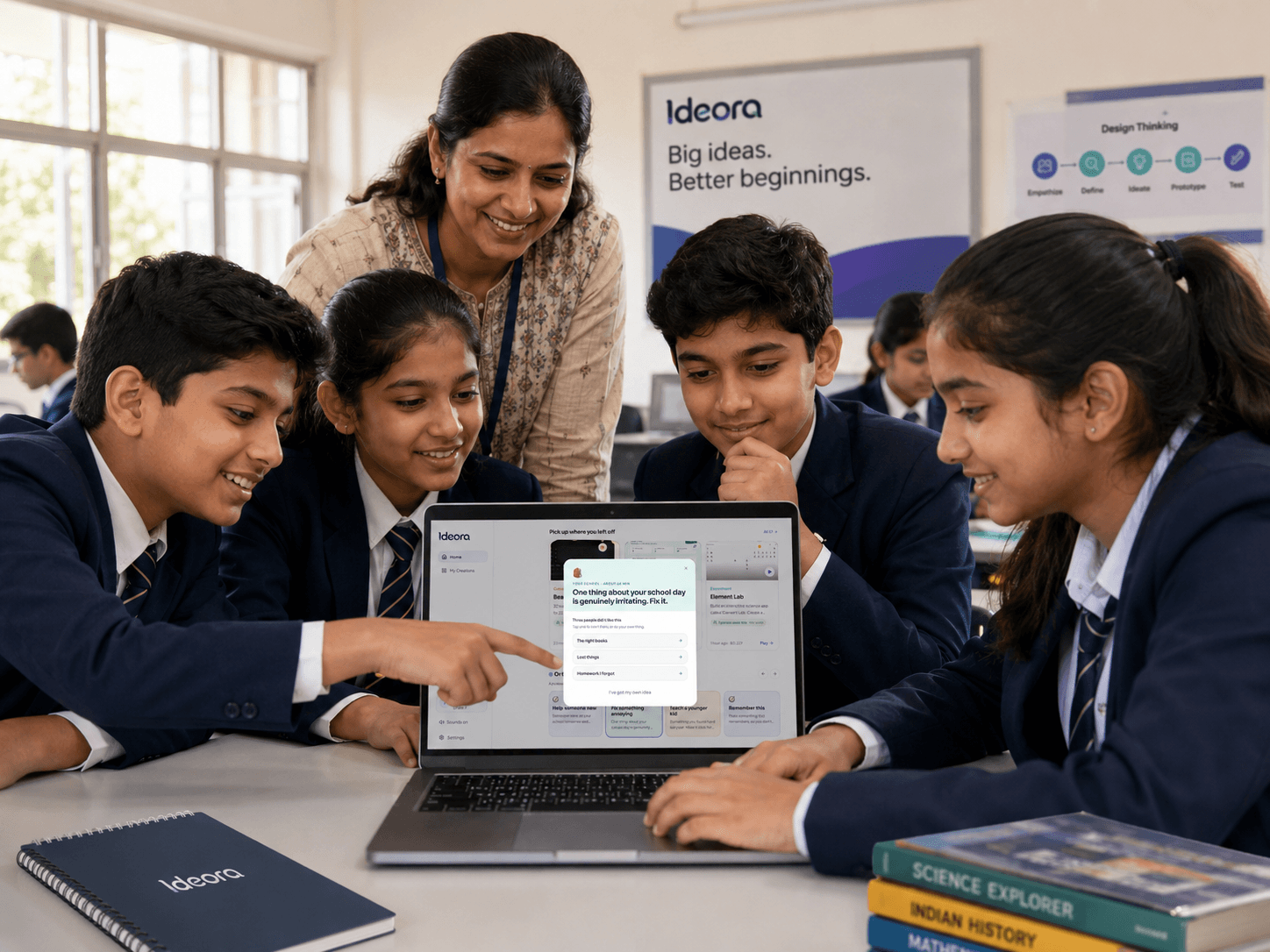
The hardest moment for a twelve-year-old is a blank box. A Mission replaces it with a problem worth solving — read one out loud and the whole class starts working. Because there is no single right answer, thirty students take the same Mission in thirty directions, which is what makes the lesson worth teaching and what makes copying pointless.
- Say the Mission out loud; the class begins in seconds.
- No accounts to create and nothing to distribute.
- Every student's outcome is different, so nobody copies.
A forty-minute lesson, minute by minute
One way to run it. Adapt freely — the point is that no preparation is required.
- 01
Minutes 0–5 — Set the Mission
Read the Mission aloud. Say plainly that there is no single right answer and that you genuinely do not know what they will make. That second sentence does more work than it looks like it should: it moves the room from "guess what the teacher wants" to "decide what I want", and the rest of the lesson depends on it.
- 02
Minutes 5–15 — First version
Students describe what they want in ordinary language. Ideora asks a question or two when an idea is vague — who is it for, what should it do — and then builds a first working version. Expect a room that goes quiet and then noisy. Your job here is to walk around asking what they are making, not to help technically.
- 03
Minutes 15–30 — Change it
This is where the learning is, and it is worth protecting the time. The first version is rarely what a student meant. They ask Ora for changes, point directly at things they want different, and start asking why something works. Some will open the code. Some will break it. Both are good outcomes.
- 04
Minutes 30–40 — Publish and show
Students Publish and open each other's Creations on their own machines. Full-screen mode puts any of them on the projector. Leave five minutes for two or three students to say what theirs does and what was hard — that is your assessment evidence and it takes no marking.
The same product, three different lessons
Ideora is not a scheme of work, so what you do with it is genuinely up to you. Three shapes that work.
One Mission, one Creation, one Publish.
Best as a first contact. Everybody starts from the same sentence and leaves with a link they can send to someone. The learning objective is not a technical skill — it is the realisation that they can make software, which is a bigger shift than any individual concept.
- Works with no prior exposure for you or the class.
- Ends with something concrete rather than a saved file.
Ora explains, rather than just answering
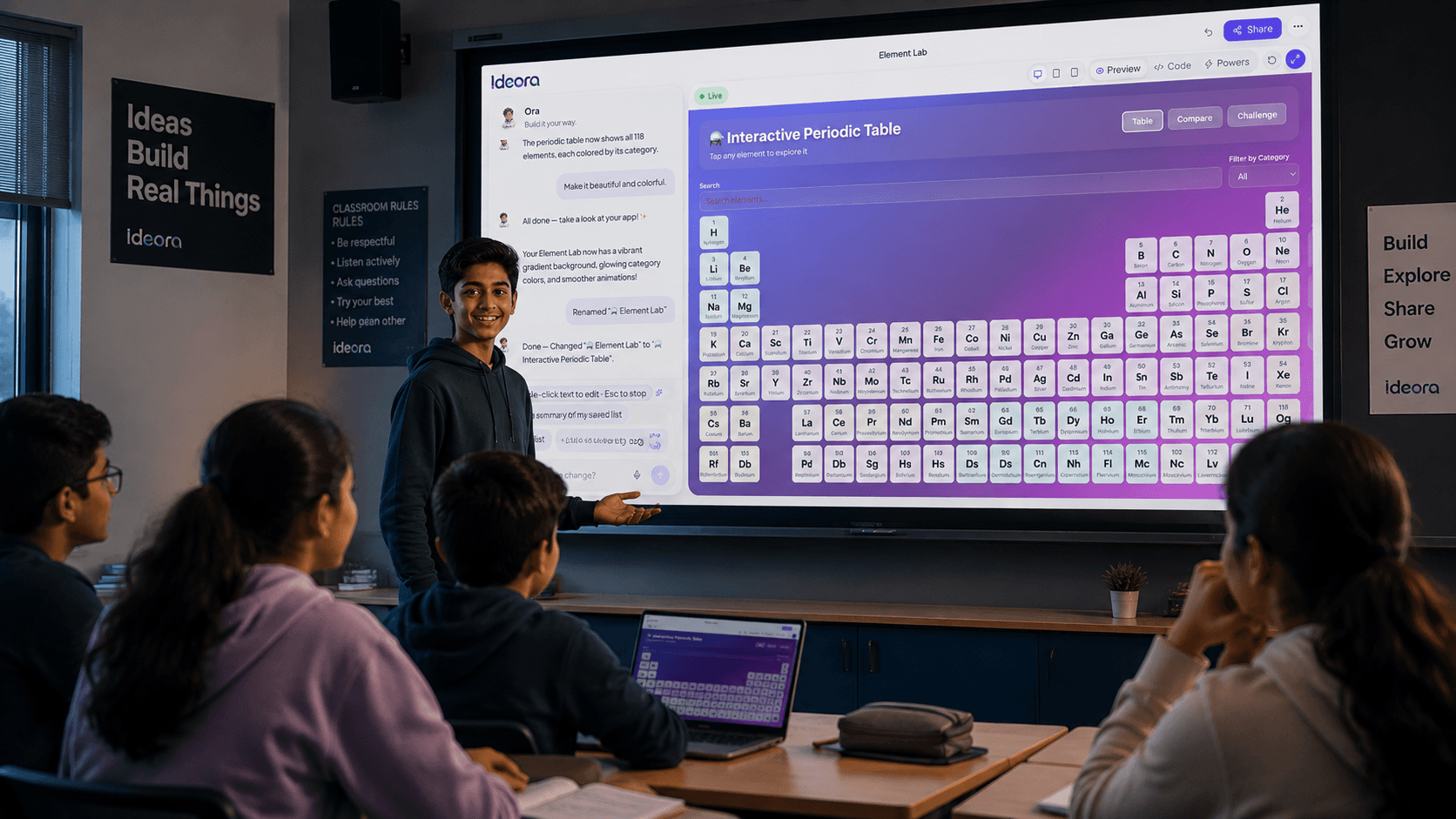
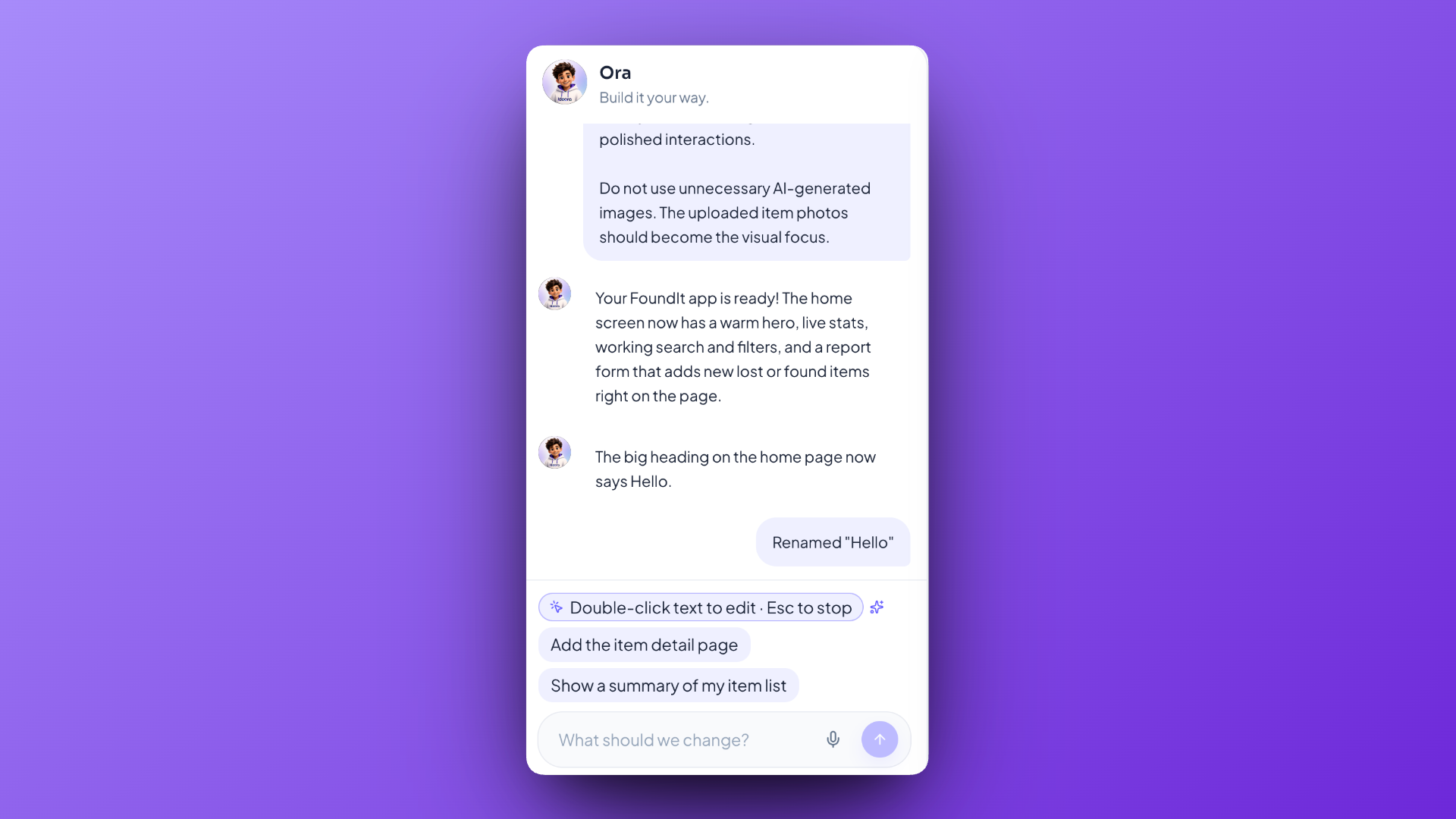
Students do not get one answer and stop. They keep going — changing how something looks, adding what is missing, reading the code, fixing what broke, and asking what any of it means. Ora answers in language for their year group, about their own Creation rather than a textbook example, which is the difference between a student who has seen an explanation and one who has understood it.
What to look at afterwards
Every student built something different, so the usual mark scheme does not apply. These five questions do, across any Creation.
- What did you set out to make?
- How is what you made different from that?
- What did you change after the first version, and why?
- What broke, and what did you do about it?
- What would you add next, if you had another lesson?
The assessment shortcut
A student who cannot answer those five questions did not do the work, however polished the result looks. A student who answers them well did, however rough it looks. That holds regardless of what they built, which is what makes it usable when thirty outcomes are all different.
What the room sounds like
Roughly the middle of the lesson, when the first versions have appeared and students have started deciding what is wrong with them.
“Wait — can I make it remember my score?”
The kinds of things students say — illustrative, not quoted from a real child.
Questions from the staffroom
Including the ones people ask each other rather than asking us.
Yes. Your job is to set the Mission and ask students what they are making and why. The technical questions go to Ora, which explains in language pitched at the student's year group. Saying "I don't know either — ask Ora and then explain it to me" is a legitimate and effective move.
The first version takes a sentence and is rarely what they meant. Everything after that is the student deciding what is wrong with it and what should change — which is the part worth assessing, and the part you can see them doing. Students can also open the code and see exactly which lines do what.
Look at the decisions rather than the artefact: what they set out to make, how the result differs, what they changed and why, what broke and what they did about it, and what they would add next.
Then they learn something. Ideora explains the problem in plain language and offers three ways out — undo the change, return to the last working version, or ask Ora to fix it and explain what went wrong. Every version is kept, so nothing is permanent.
Very little, because the technical questions do not come to you. The most common thing a teacher does in an Ideora lesson is ask a student to explain what they are building.
Yes, and the outcomes will differ between classes as much as within them. That is a feature when you are comparing groups, and it means a Mission does not go stale after one use.
A working Creation at a web address, plus their own account of what they made and what was hard. That is more evidence of thinking than a finished file usually carries.
Ora stays inside its scope — the student's project, the code in it, and how making software works. Ask it about anything else and it declines in one sentence and points back at the project.
Bring Ideora to your classroom.
We'll walk your team through a full lesson, start to finish.