For parents
AI that ends with something your child made.
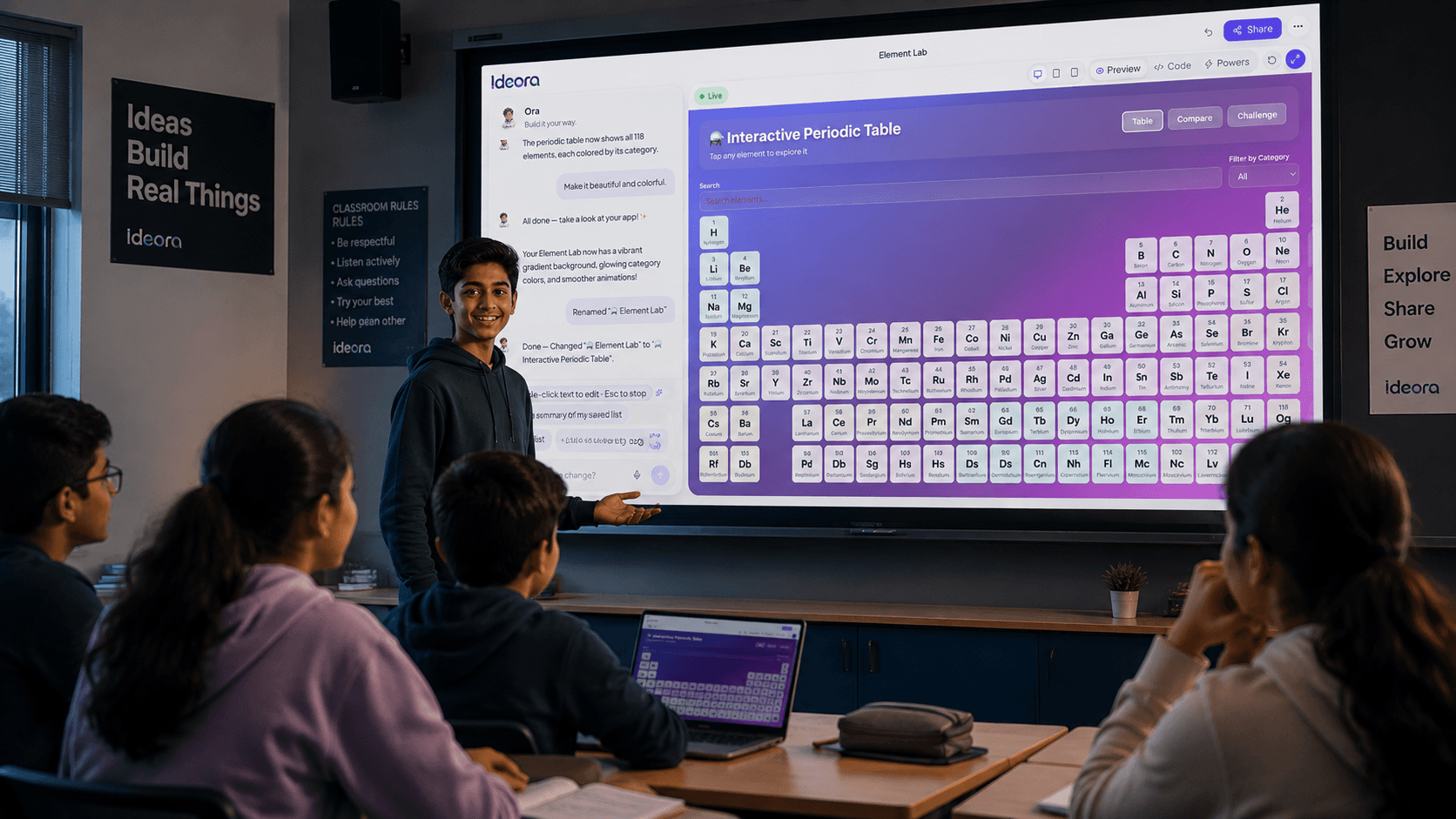
Instead of only asking AI for answers, students use it to create, experiment and improve something of their own.
Opens on your phone
From a link, with no install
No account for you
Just open what they send
They can explain it
Because they changed it themselves
You can open the actual thing
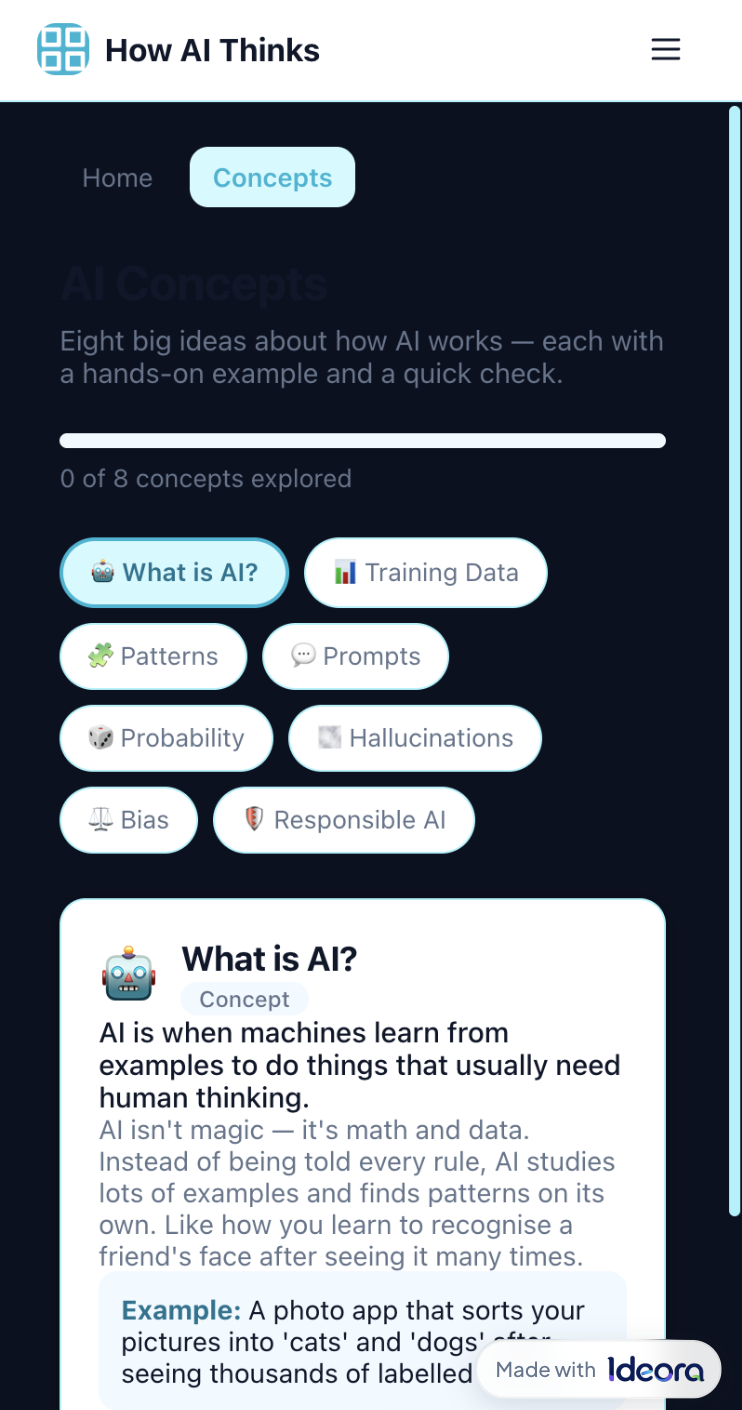
When your child Publishes a Creation, it lives at a real web address. You open it on your phone — no app store, no install, no account. The work is not a screenshot in a folder or a grade in a report. It is a thing that runs, and you can use it.
- Opens on any phone with a link.
- No app-store install and no account for you.
- It is the same Creation they built in class.
Four questions worth asking at home
Better than "what did you do today", because every one of them has a real answer.
- Can I open it?
- What did you change after the first version?
- What broke, and how did you fix it?
- What would you add next?
They are not just watching AI work
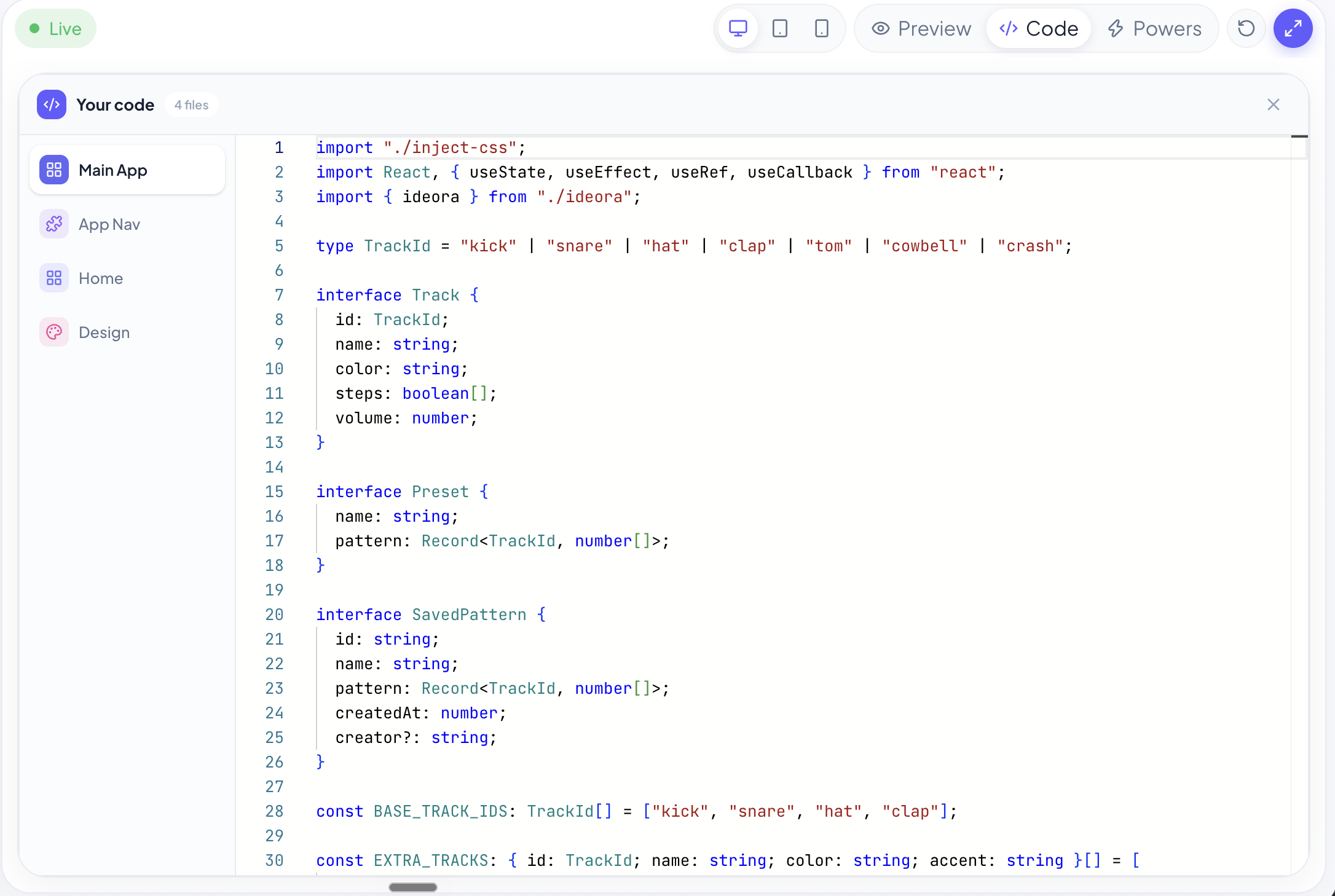
The first version takes a sentence, and it is rarely quite what they meant. Everything after that is your child deciding what is wrong with it — what should look different, what is missing, why something is not working. They can open the code and read it. They can break it, and put it back. That is where the learning is, and it is the part AI does not do for them.
The worry, and the honest answer
Three things parents raise with us. We would rather write the real answers down than leave you to guess.
The AI writes the first draft. Your child does the rest.
If the lesson ended at the first version, the concern would be fair. It does not. The first version is a starting point that is almost never right, and the whole activity is your child working out what is wrong with it and changing it. Ask them what they changed — a child who used AI as a shortcut cannot answer that, and a child who did the work will not stop talking.
“I made this.”
The sentence this whole product exists to produce.
What parents ask
The opposite. AI produces a first version in a sentence; everything worth learning happens after that, when your child decides what to change and why. They can also open the code and see exactly how their Creation works.
No. They describe what they want in ordinary language. If they become curious about the code, it is there and Ora will explain it — but nothing requires it.
Ora lives inside the Studio and is there to help build and explain a Creation. Students never hold a model key or reach a provider directly, unsafe requests are refused, and Ora declines anything outside the subject of their project.
No. A Published Creation opens in any browser from a link, including on a phone.
Only if your child shares the link. Nothing is public until they choose to Publish, and search engines are asked not to index Published Creations.
Tell us the school's name and we will get in touch with them. It usually helps if you mention it to a teacher too — schools take this more seriously when a parent has raised it.
Want Ideora at your child's school?
Tell us which school, and we'll get in touch with them.