
For students
Start with curiosity. Finish with something real.
You describe what you want to make. It gets built. Then the interesting part starts — you change it until it is actually yours.
One sentence
All you need to start
You can break it
Every version is kept
A real link
Send it to anyone
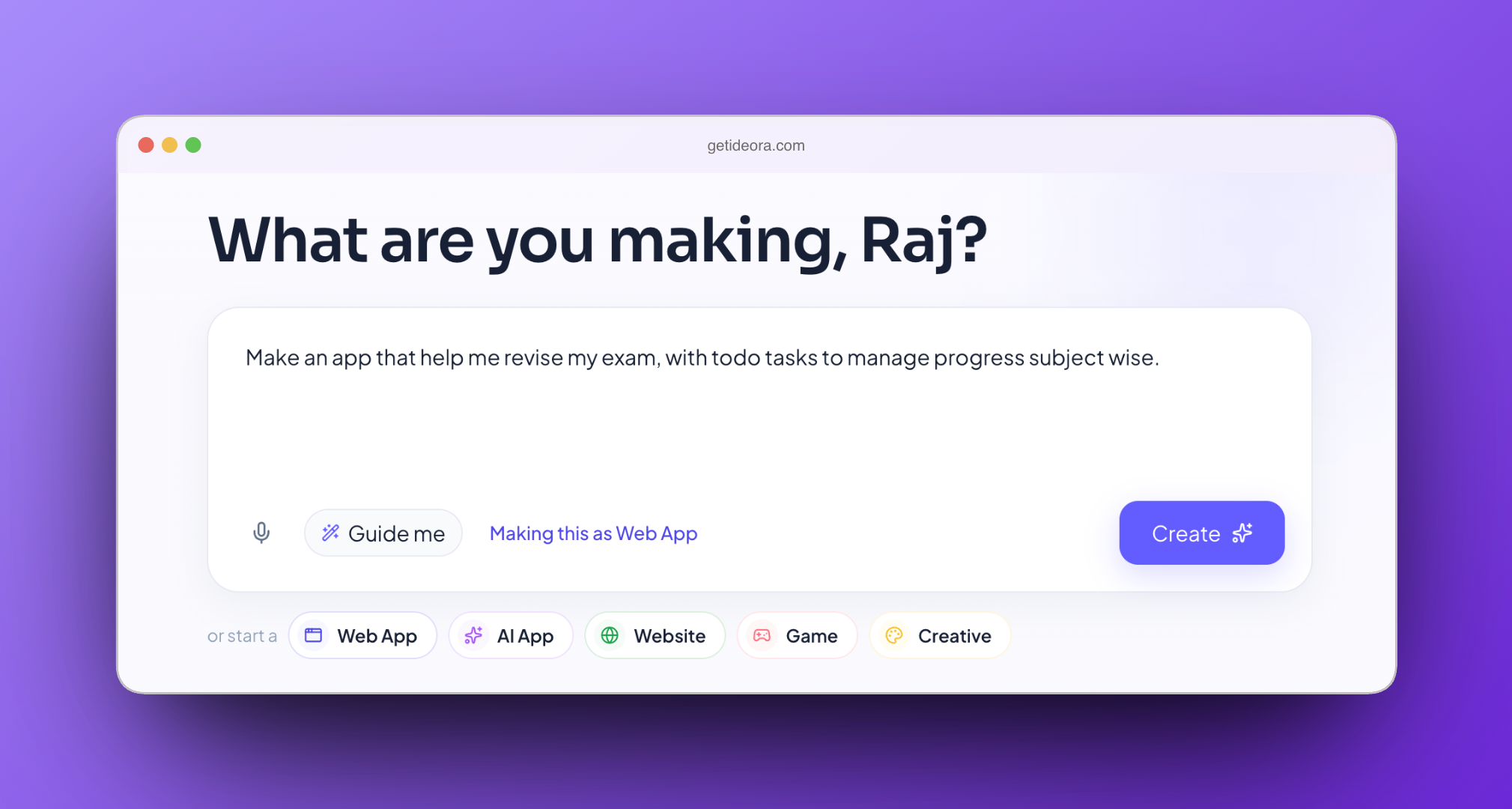
How it goes
- 01
Say what you want
In ordinary words. "An app that helps me revise for exams." You do not need to know any code, and you do not need a plan. If your idea is vague, you get asked a couple of quick questions first — who is it for, what should it do.
- 02
Watch it get built
A real, working version appears. Buttons work. Things save. It looks right on a phone. It is probably not quite what you pictured, and that is normal — nobody's first version is.
- 03
Change everything
This is the actual fun bit. Ask Ora for changes, point straight at something you want different, or open the code and edit it yourself. Keep going until it is the thing you had in your head.
- 04
Send it to someone
One button gives your Creation a real web address. Send the link to a friend, or to your family. They open it on their phone. No app store, no download, no account.
You are allowed to break it
Open the code and change whatever you like. If it stops working, Ideora tells you what went wrong in plain language and gives you three ways out. Every version is kept, so nothing you do is permanent — which means there is no reason not to try something.
- Undo my change.
- Back to the last working version.
- Ask Ora to fix it.
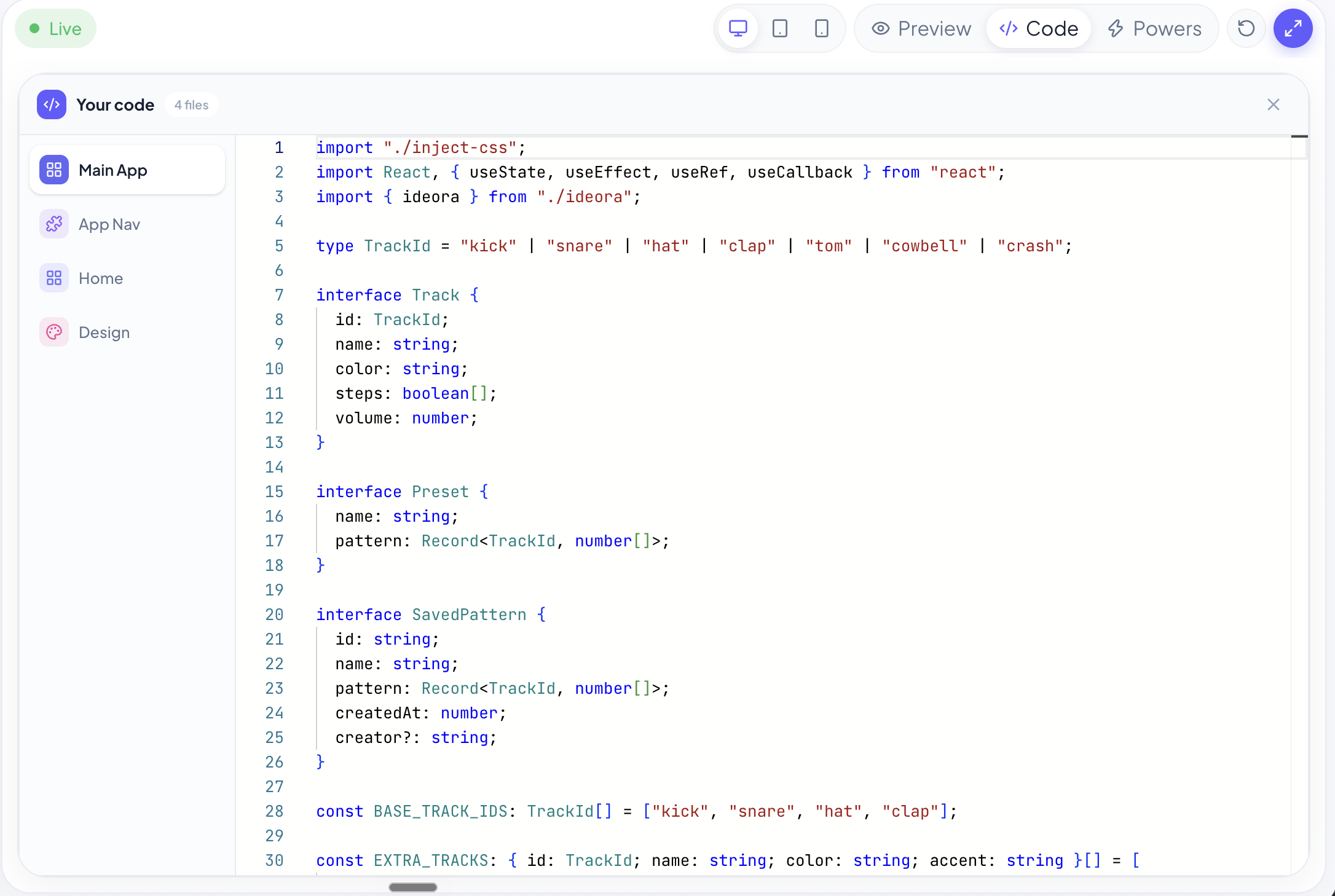
Ask Ora anything about your own Creation
Not a textbook example — yours. Highlight a bit of code and ask what it does. Ask why something is not working. Ask what any of it means. Ora answers in language that makes sense for your year, about the thing in front of you.
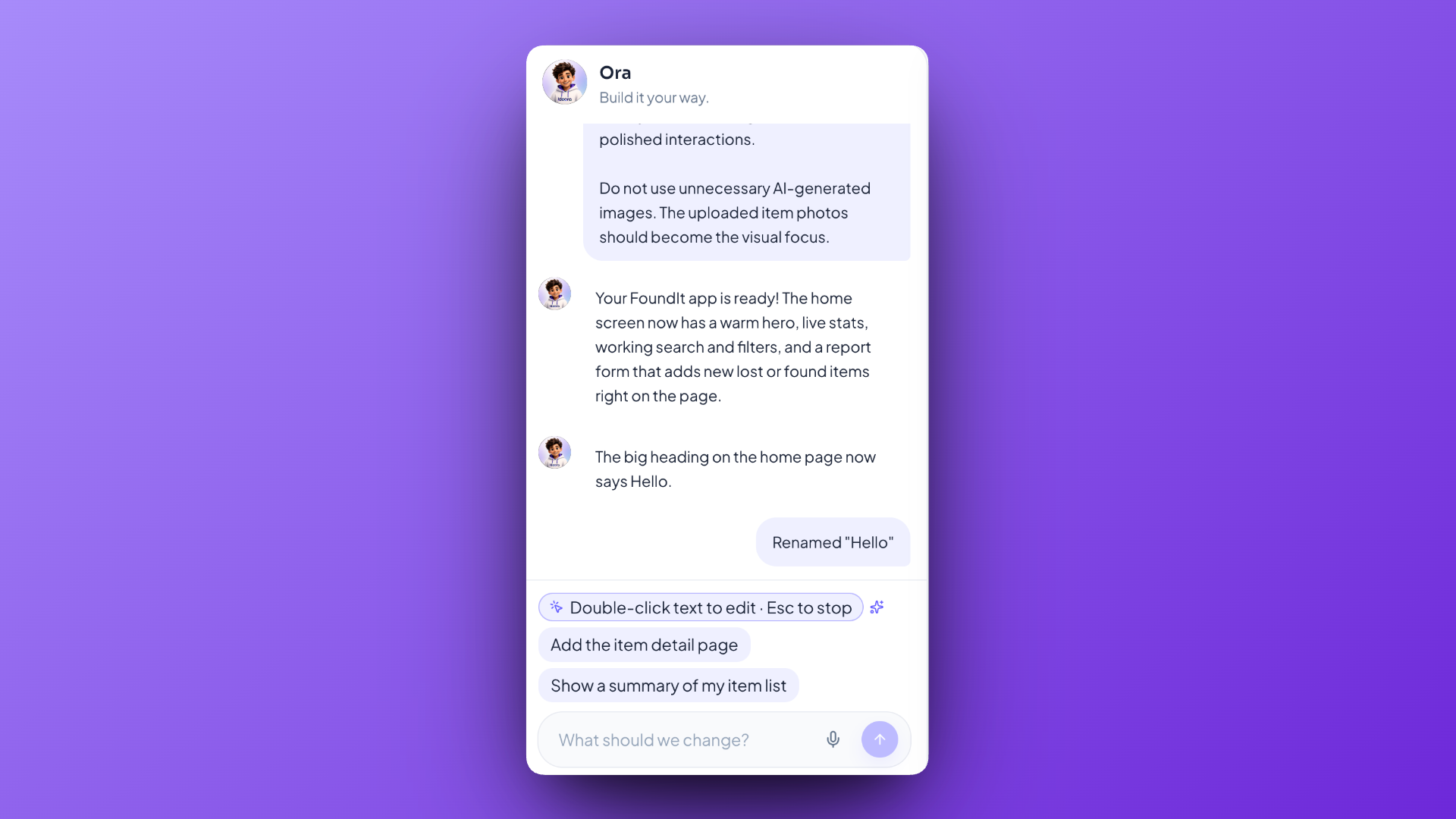
Stuck for an idea?
Some things people could make. Yours does not have to be on this list — most of the good ones are not.
Exam revision helper
Reading buddy
Lost-and-found tool
Habit tracker
A two-player quiz
Something nobody has thought of yet.
Examples of what is possible. Not a gallery of work students have done.
You arrive with an idea. You leave with something people can use.
Want Ideora at your school?
Tell your teacher, or send us your school's name and we'll ask them.